📝 Forms Guide
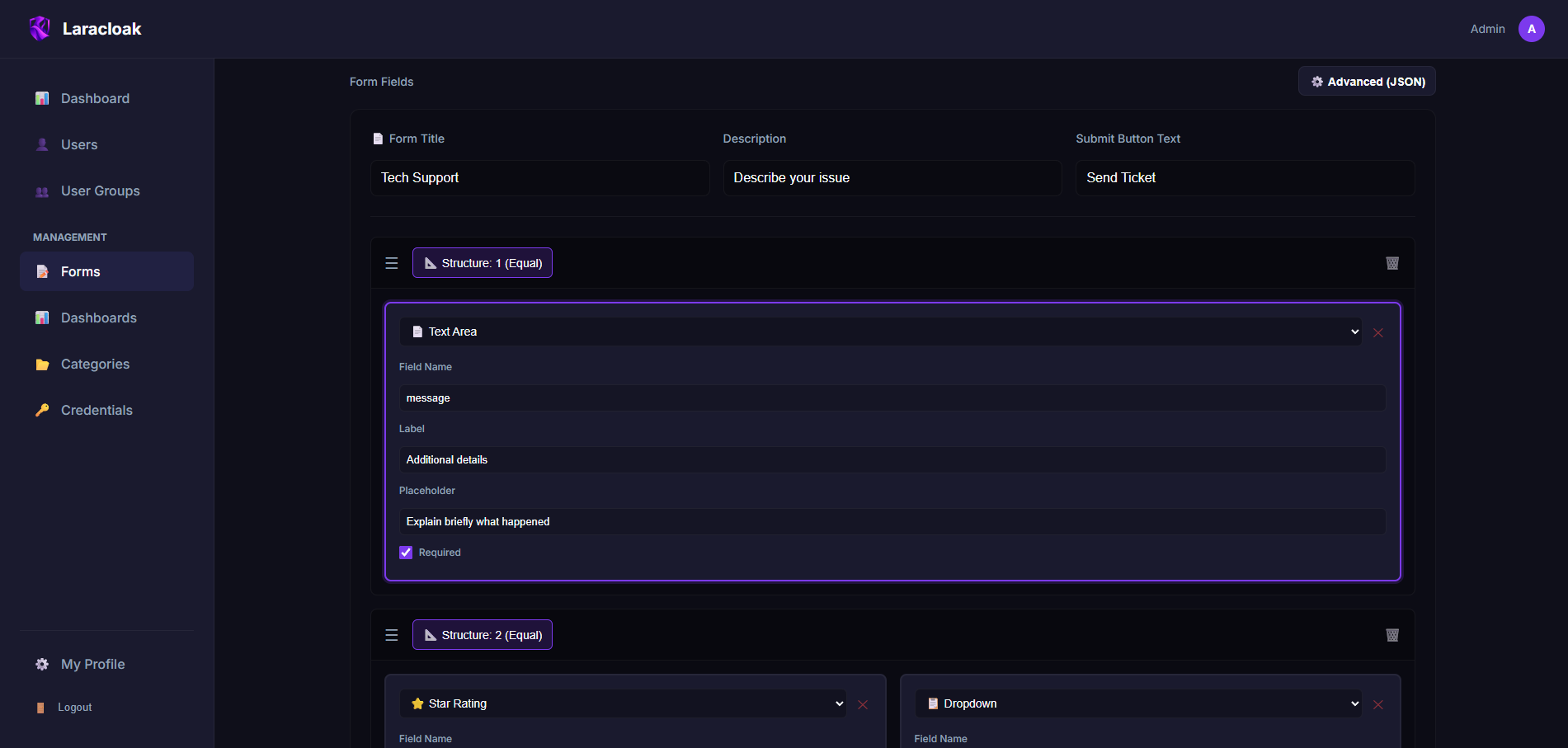
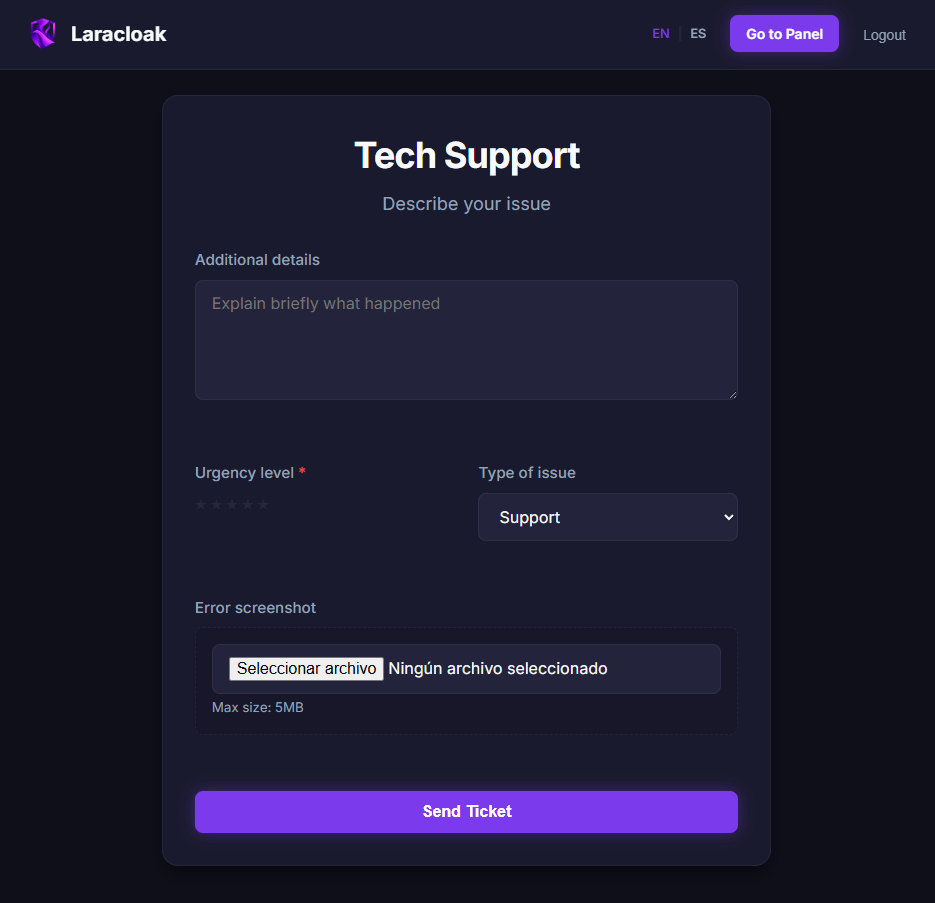
Forms in Laracloak allow you to capture user data and send it securely to an upstream service (such as n8n, Make, or your own API) without exposing the destination URL or credentials.
Configuration Structure (JSON)
The "UI Configuration" field defines how the form is rendered.
Basic Schema
json
{
  "title": "Support Request",
  "description": "Please fill in the details to help you.",
  "submit_label": "Send Ticket",
  "fields": [
    {
      "name": "subject",
      "label": "Query Subject",
      "type": "text",
      "placeholder": "Ex: Access problem",
      "required": true
    },
    {
      "name": "category",
      "label": "Category",
      "type": "select",
      "options": ["Technical", "Billing", "Others"],
      "required": true
    },
    {
      "name": "message",
      "label": "Details",
      "type": "textarea",
      "placeholder": "Explain your problem...",
      "required": false
    }
  ]
}
Field Properties
| Property | Description |
|---|---|
name | The field ID that will be sent to the upstream (ex: email). |
label | Text the user will see above the field. |
type | Input type: text, email, number, tel, textarea, select, password. |
placeholder | Help text inside the field. |
required | true or false. Adds basic HTML5 validation. |
options | (Only for select) List of strings with the options. |
Success Handlers (Page Properties)
Beyond the JSON, when creating a Form you can configure:
- Success Message: A message that will be displayed in a green box to the user after successful submission.
- Example: "Thank you! We have received your request successfully."
- Redirect URL: A URL to which the browser will automatically send the user after 2 seconds of success.
- Example:
https://mycompany.com/thanks
- Example:
Complete Example: Event Registration
JSON Configuration:
json
{
  "title": "AI Webinar Registration",
  "submit_label": "Reserve my spot",
  "fields": [
    {
      "name": "user_email",
      "label": "Corporate Email",
      "type": "email",
      "required": true
    },
    {
      "name": "job_title",
      "label": "Current Job Title",
      "type": "text",
      "placeholder": "Ex: CTO, Developer..."
    },
    {
      "name": "newsletter",
      "label": "I want to subscribe",
      "type": "select",
      "options": ["Yes", "No"]
    }
  ]
}
Behavior: When clicking "Reserve my spot", Laracloak:
- Collects
user_email,job_title, andnewsletter. - Adds configured credentials (if any).
- Makes a POST to the Destination URL.
- If the upstream responds with 200 OK, it shows the Success Message and redirects if there is a Redirect URL.