
Creating Pages: The Laracloak Model
Laracloak separates interfaces into two fundamental types based on data flow. Both share the Slugs system (public URLs /front/{slug}) and the granular Permissions system.
📁 Page Types
1. 📝 Dynamic Forms
Designed for data output (User -> Upstream).
- Ideal for: n8n webhooks, registrations, service requests, lead collection.
- Key properties: Success messages and automatic redirects.
- Usual method:
POST.
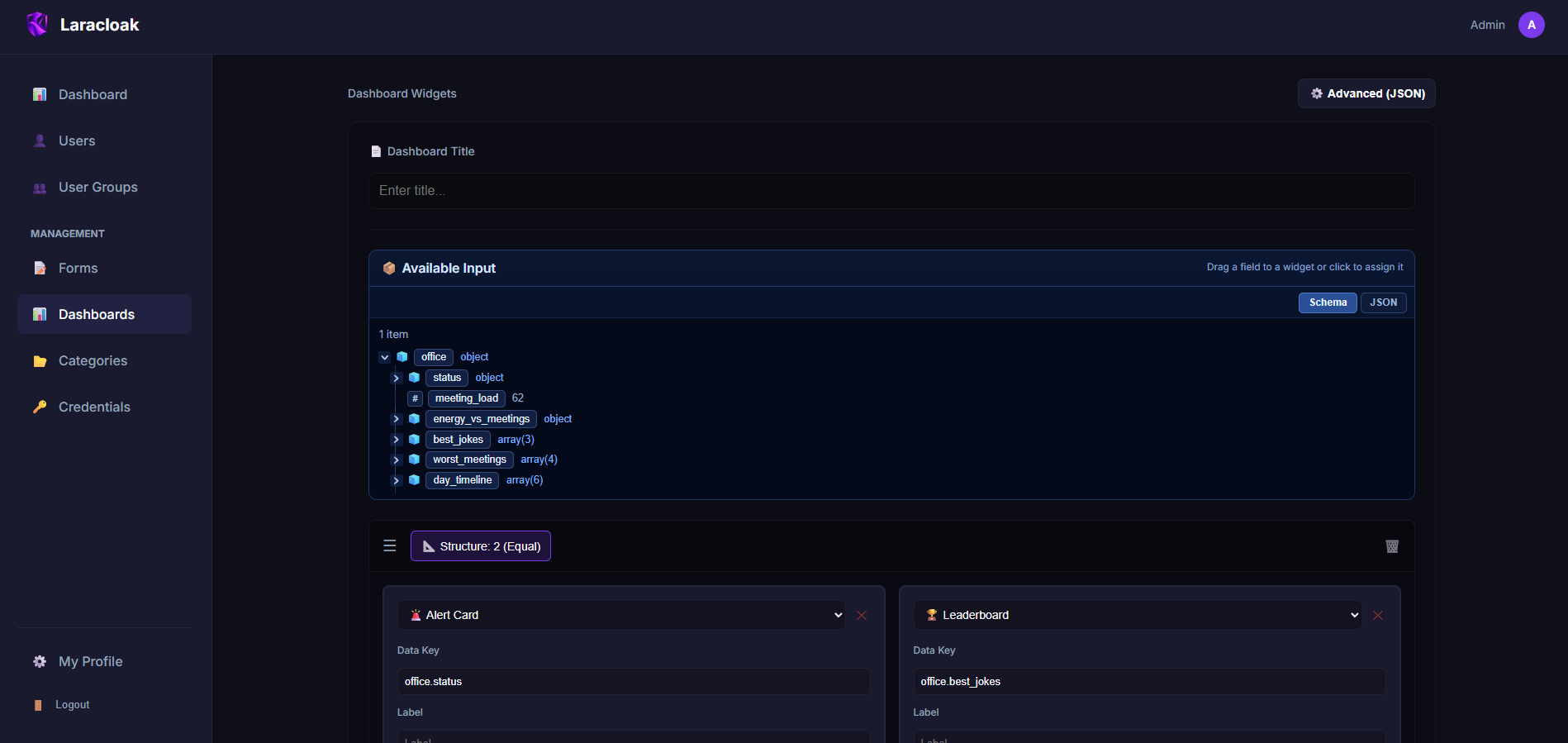
2. 📊 Dashboards
Designed for data input (Upstream -> User).
- Ideal for: Server monitoring, sales KPIs, user lists, process statuses.
- Key properties: Automatic refresh rate (Auto-refresh).
- Usual method:
GET.
🛠️ Shared Concepts
Slugs and Public URLs
When you create any page, you define a Slug. This slug determines the final URL: https://your-domain.com/front/my-custom-slug
Security and Visibility
- Published Status: If a page is not published, it will be invisible to normal users (404), but Editors and Administrators can still see it for testing.
- Access Control (ACL): Laracloak applies a "Default Deny" model. You must explicitly assign which Groups or individual Users have "View" or "Edit" permissions for each page.
Configuration JSON
Regardless of the type, each page's appearance is defined by a JSON object in the editor. Refer to the specific guides for supported schemas:
🔍 Debugging (Testing Zone)
Laracloak includes a built-in Debugger in the editor. Before saving or publishing, you can run a "Test Request" to see exactly what data the upstream is returning and how security filters are being applied.